About the Passport, and what you think of it
Hi, I’m Mitch. I built the Missouri River Valley LOOP website and the Passport behind it.
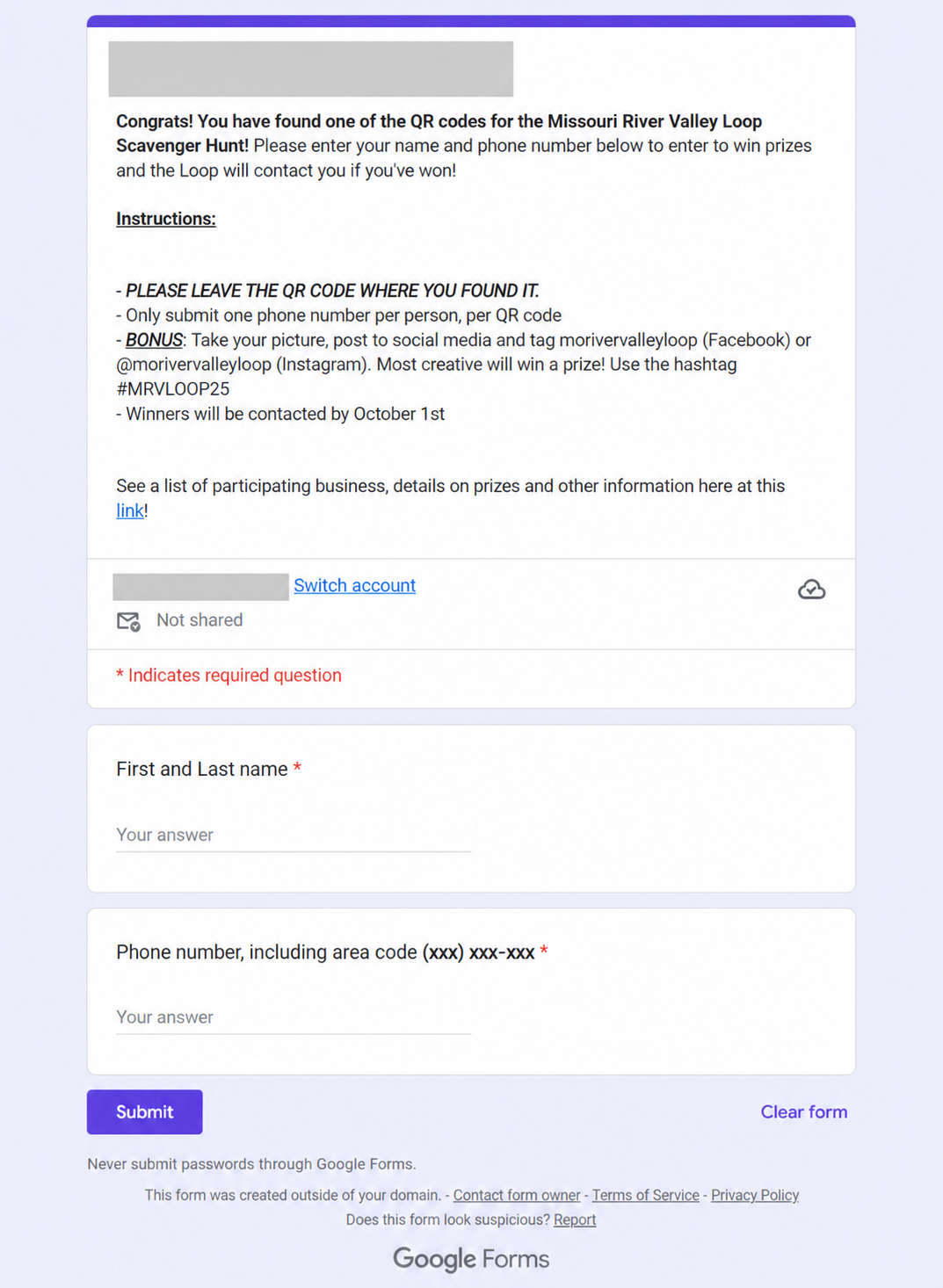
Last year’s Scavenger Hunt worked like this. You found a QR code, scanned it, and typed your first and last name and your phone number into a Google Form. Then you did it again at the next stop. And the next one. Every checkpoint, the same details, starting over.
The idea behind this year’s Passport was to save you from entering your name and contact information at every stop. You set yourself up once, and every stop after that is meant to be a quick scan.
There is a longer term reason for it too. We are hoping to run more experiences like this on the Loop over the coming months, and again next year. The Passport is built so that you only ever set up one login. Each experience gets its own passport under that login, and the plan is for your account to keep all of them together so you can look back at everything you have done on the Loop. Every experience after this one should be easier to join than the last.
That was the idea. I know it has not gone that smoothly for everyone. Some of you have had trouble getting a code to scan, or hit steps that were not obvious, and a few of you took the time to tell me so directly. I appreciate that more than you know. I am sorry for the hassle. You came out to see the Loop, not to fight with your phone.
I am still working on it, and what helps me most right now is hearing from you. I put a few questions below. It takes a minute, and I read every one.
Tell me how it went
It takes about a minute. Only the first question is required.